Integrate with Multiple Fitness App (For IOS)
For IOS
1. Apple Health

- a. Open the Apple Health, tap profile icon in Summary.

- b. Find Privacy, then tap apps.

- c. Find Renpho Health in Apps, then tap it.
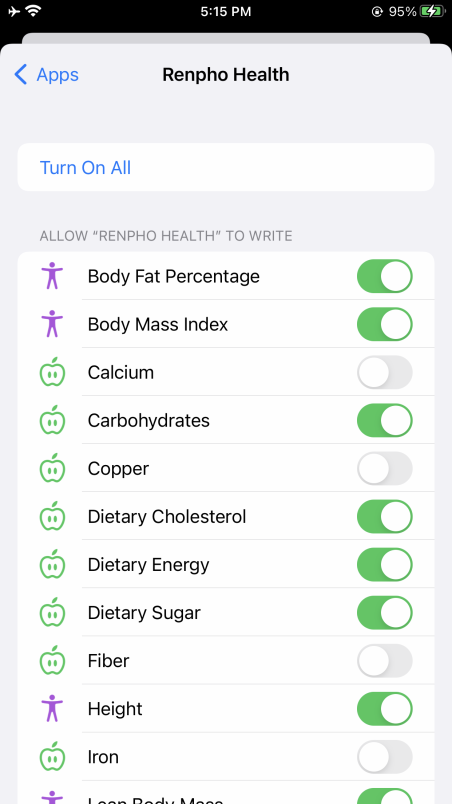
- d. Tap "Turn On All" or tap the data what you want to sync to Apple Health.
2. Fitbit

- a. Find the "Apps" on the page "Me", and find "FitBit" in the list.

- b. Turn on the "Fitbit" button.
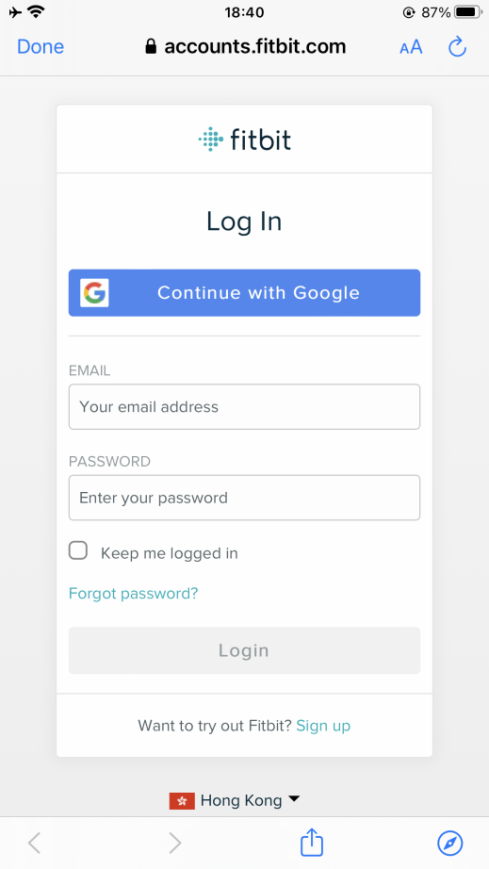
- c. Login to your Fitbit account.

- d. Click "Allow" to access the Fitbit App.
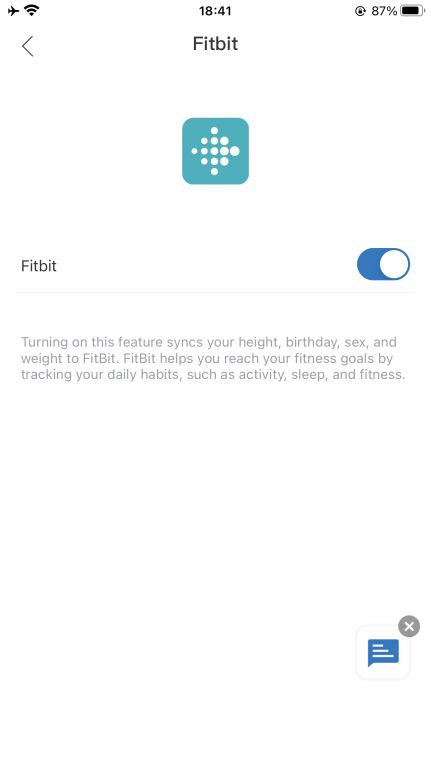
- e. After connection, the data (Weight, Body Fat %, BMI) will sync to the Fitbit app. You can view both on the app and web.
3. MyFitnessPal
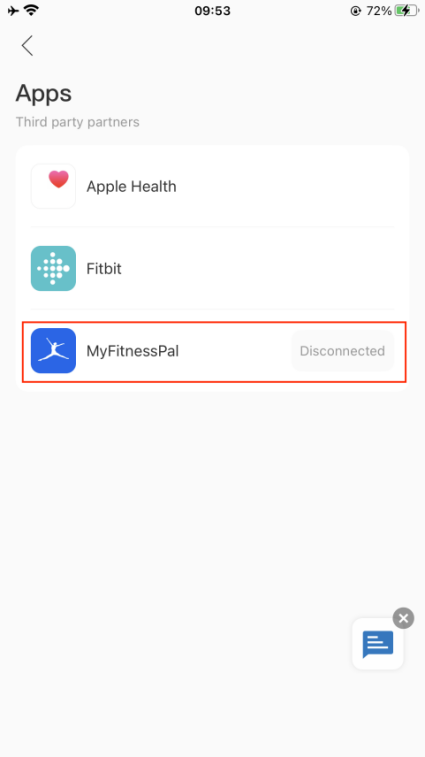
- a. Find the "Apps" on the page "Me", and find "MyFitnessPal" in the list.
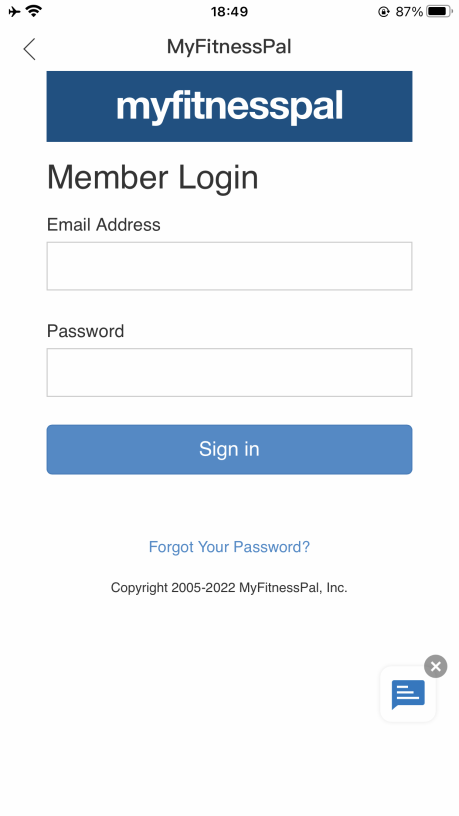
- b. Login to your MyFitnessPal account.
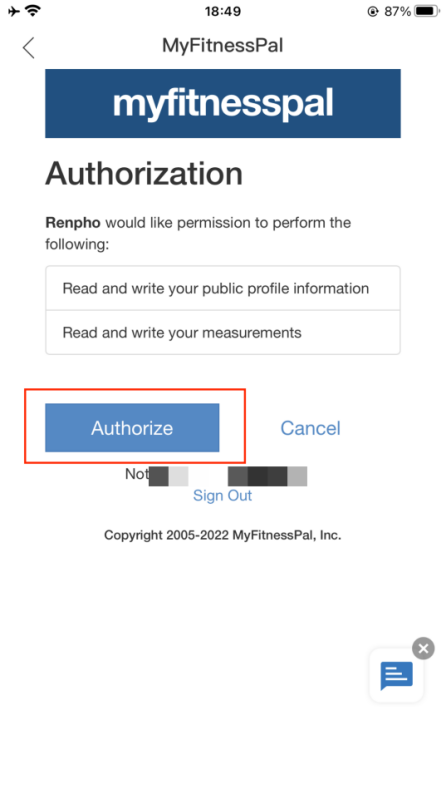
- c. Click the "Authorize" button.
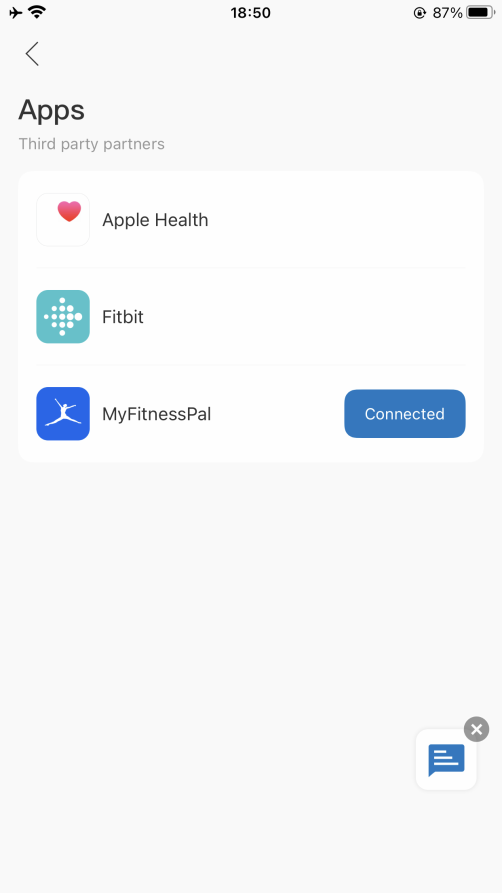
- d. It will show "Connected" on the page.
https://renpho.com/